Ramadan Wallpapers 2027: Free 4K Lock Screens for iPhone
21 free Ramadan wallpapers for 2027, made for the iPhone lock screen at 4K (2160 × 4680). There are calm designs without text, Ramadan Kareem calligraphy, Quran verses typeset from a verified source, and a few lock screens that help you keep your prayers through the month. Ramadan 1448 is expected to begin around 8 February 2027.
Without textRamadan KareemQuran versesLast ten nightsPrayer remindersHow to set it
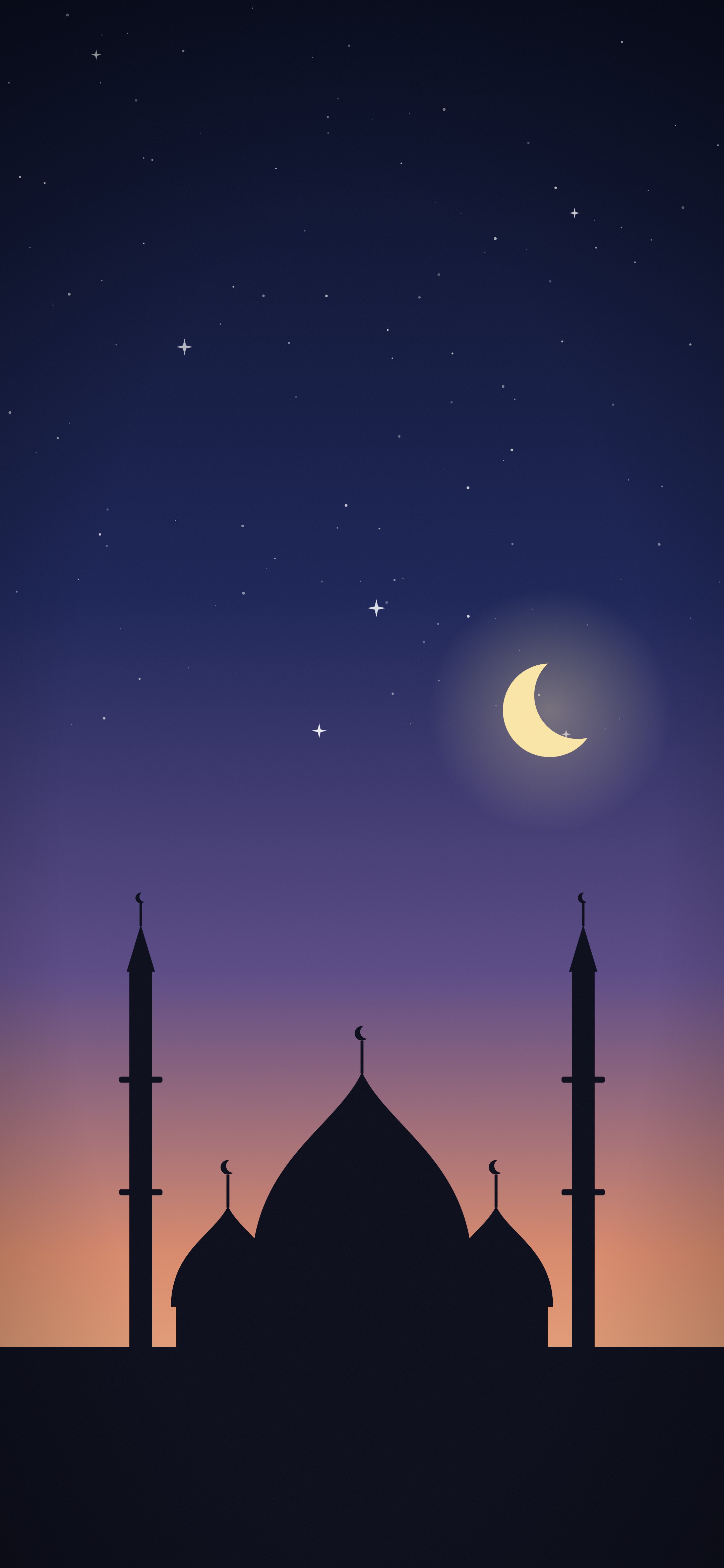
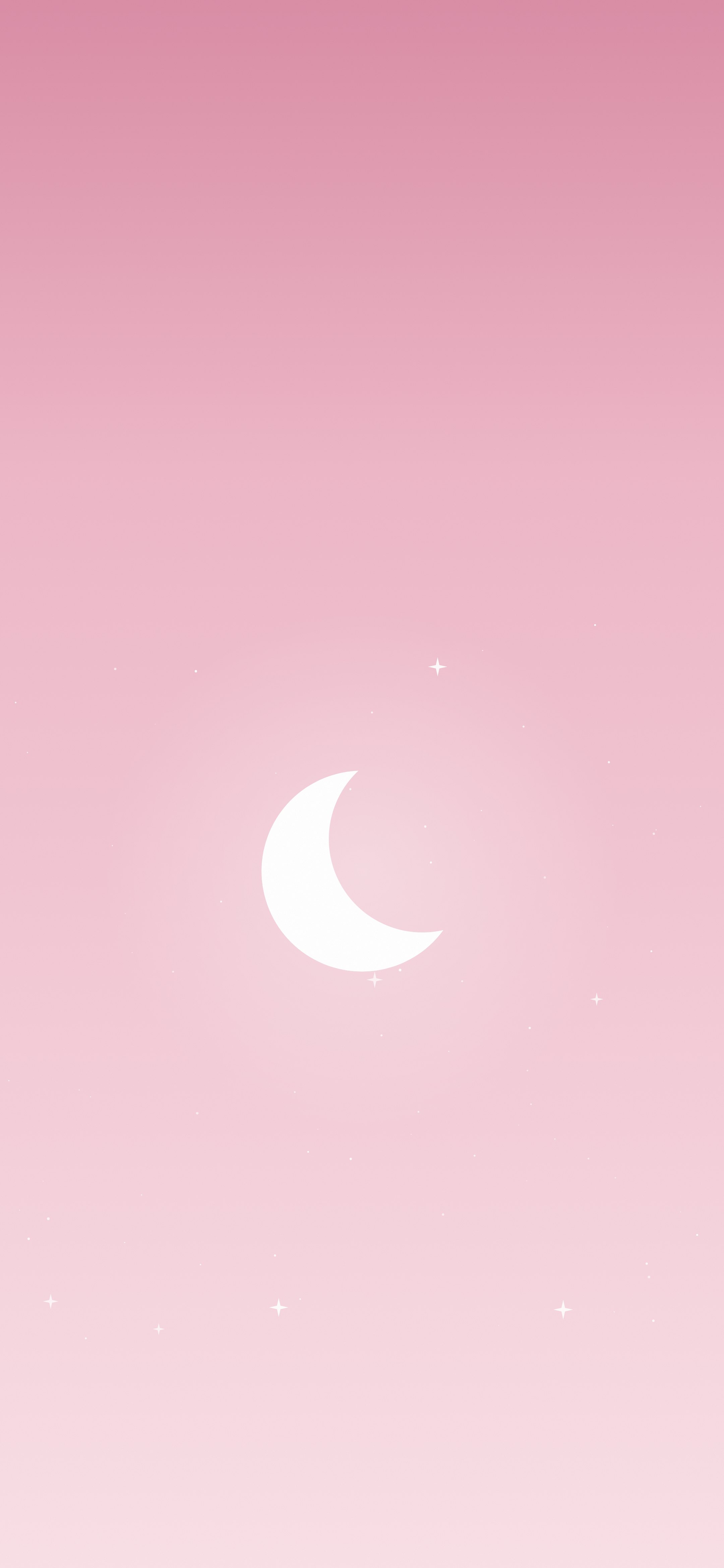
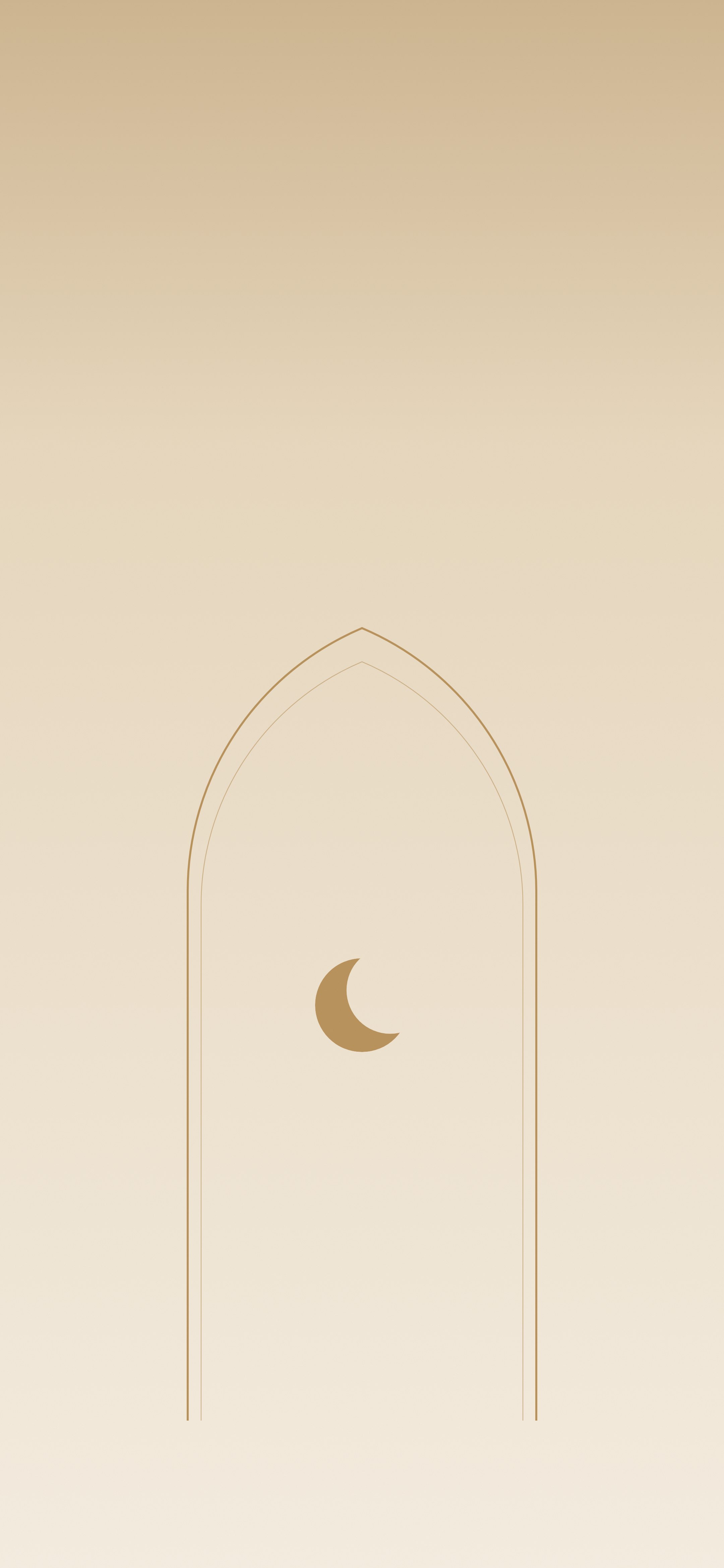
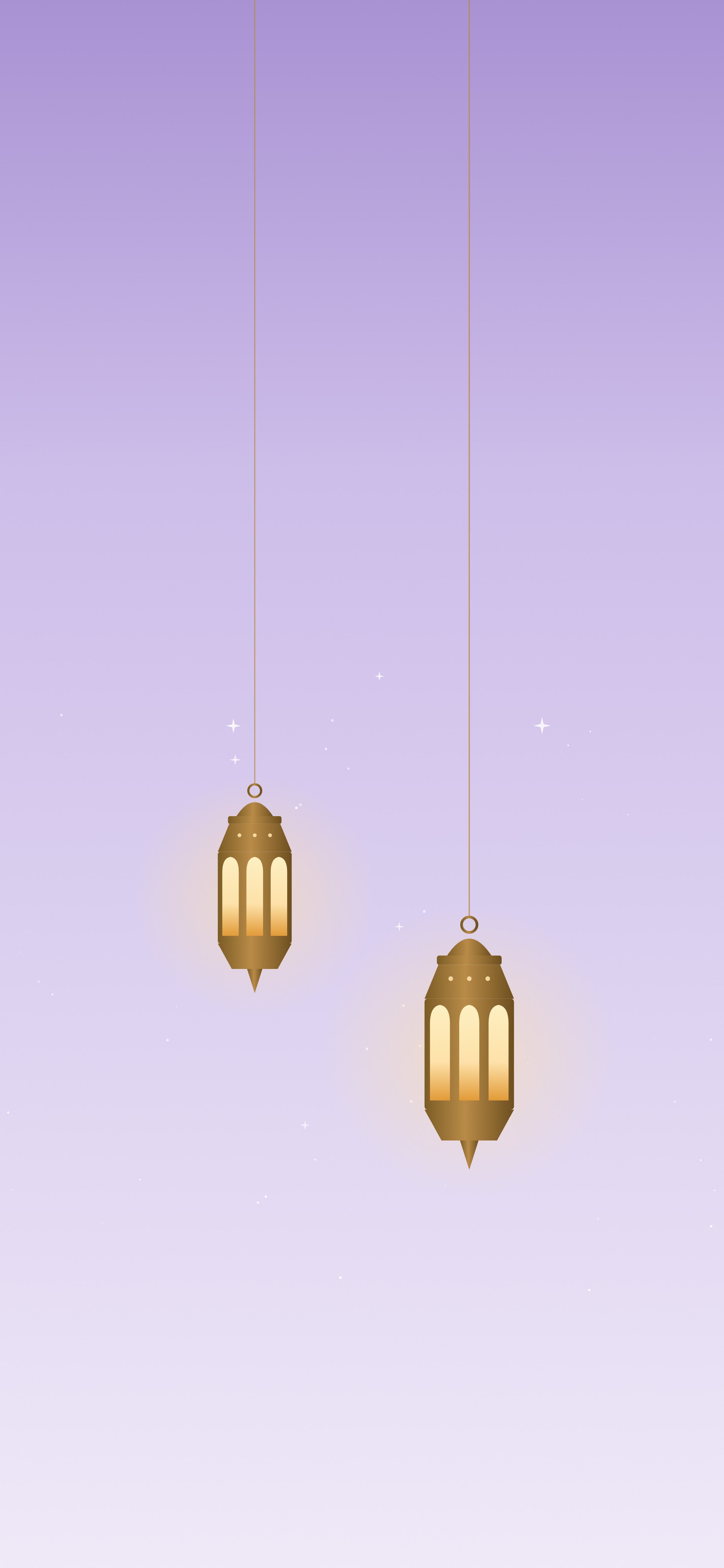
Without text: minimal and aesthetic
Clean designs for people who want Ramadan on their phone without words on it. The pastel ones are the most saved style on Pinterest.
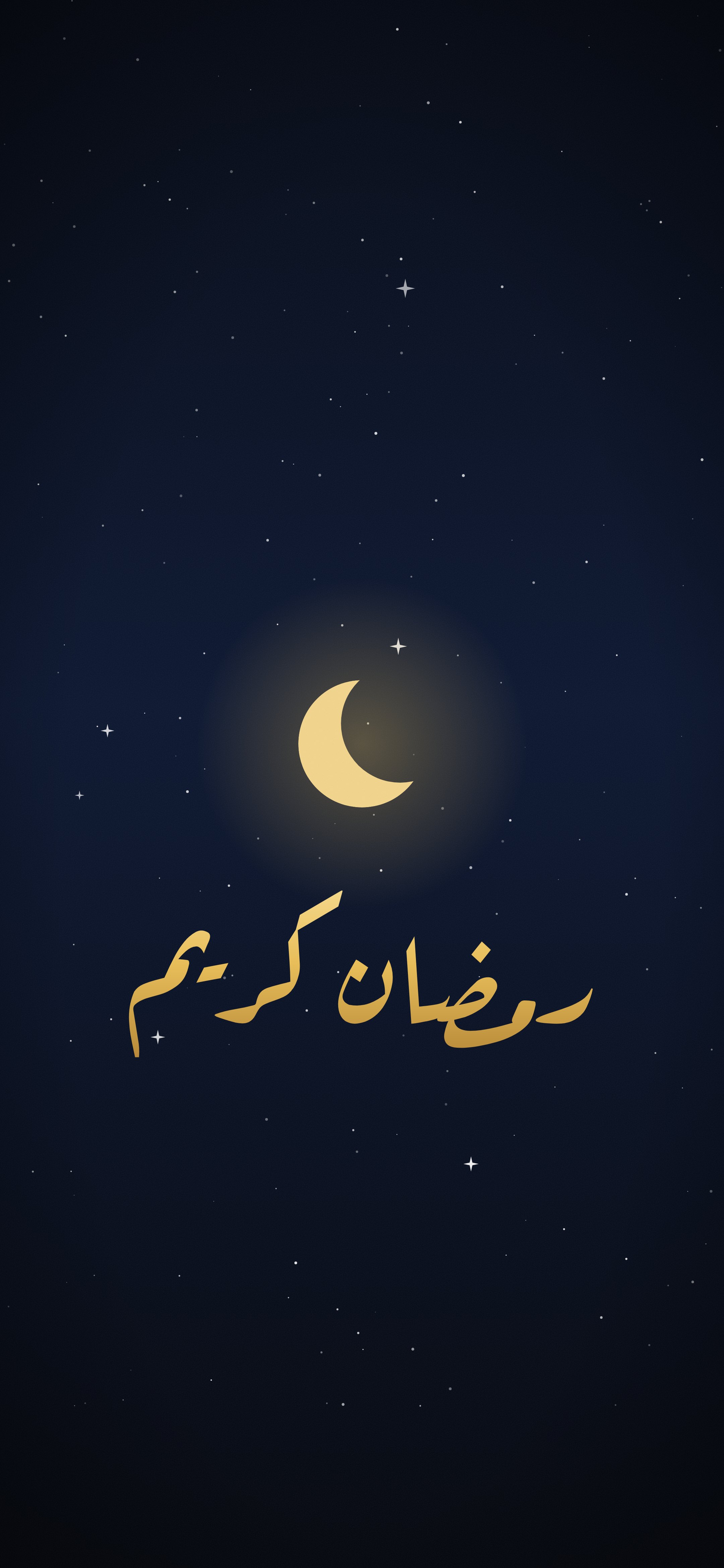
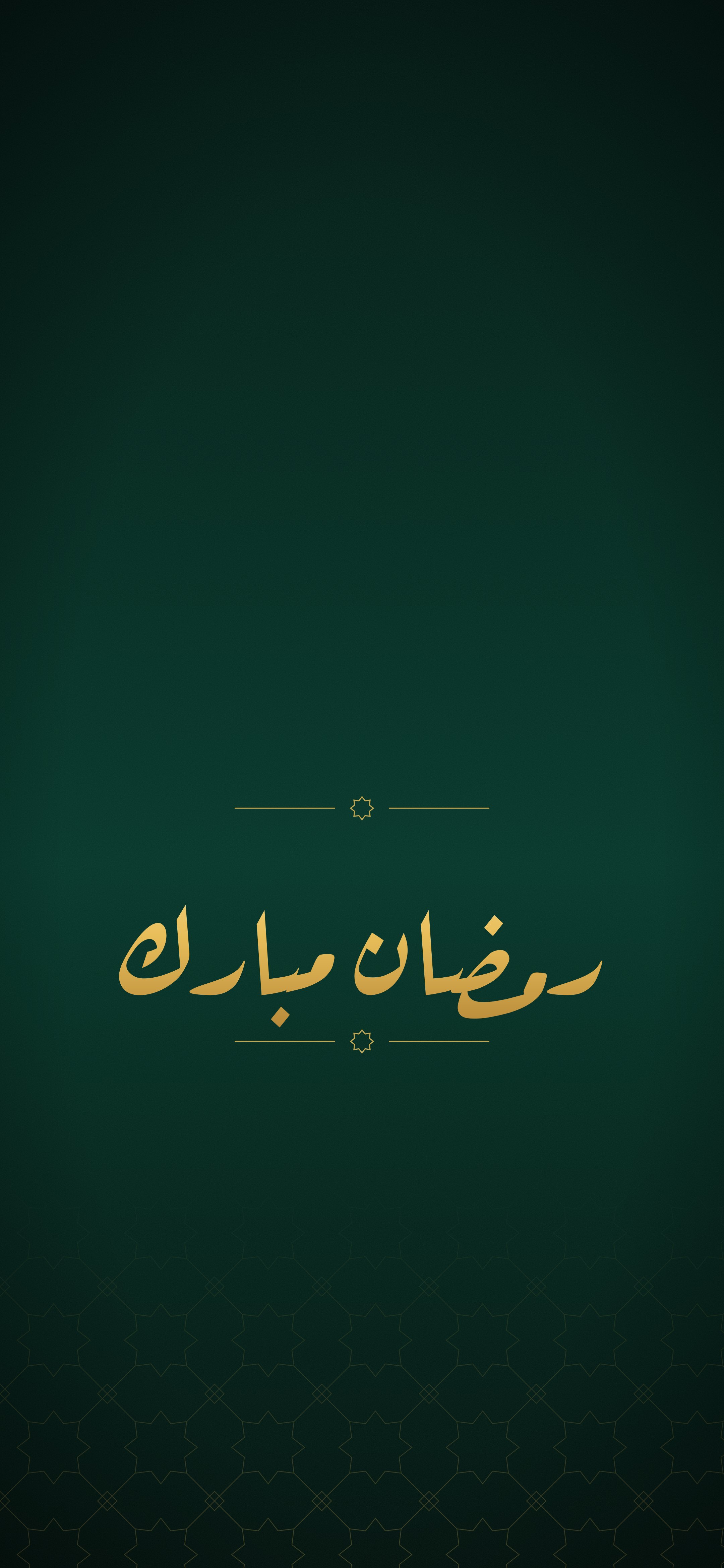
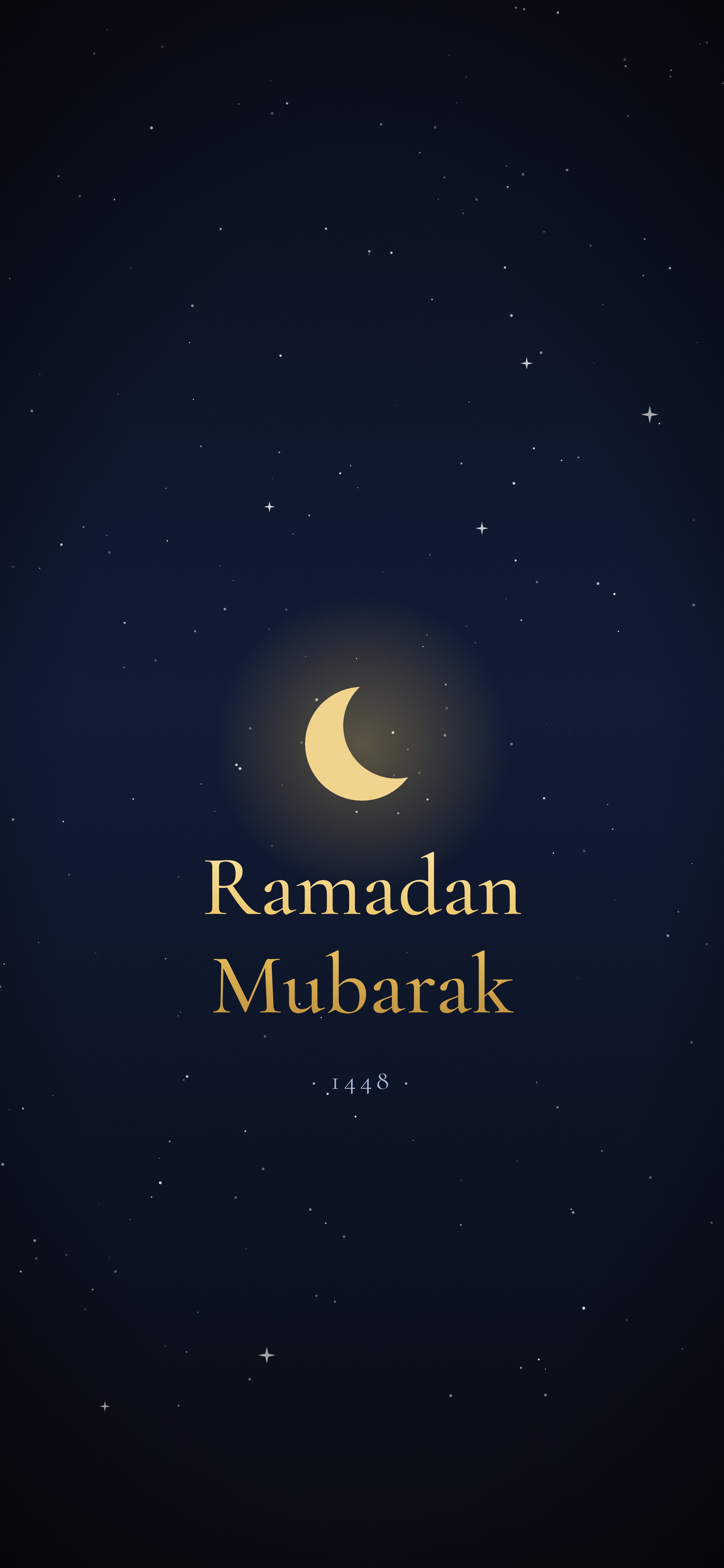
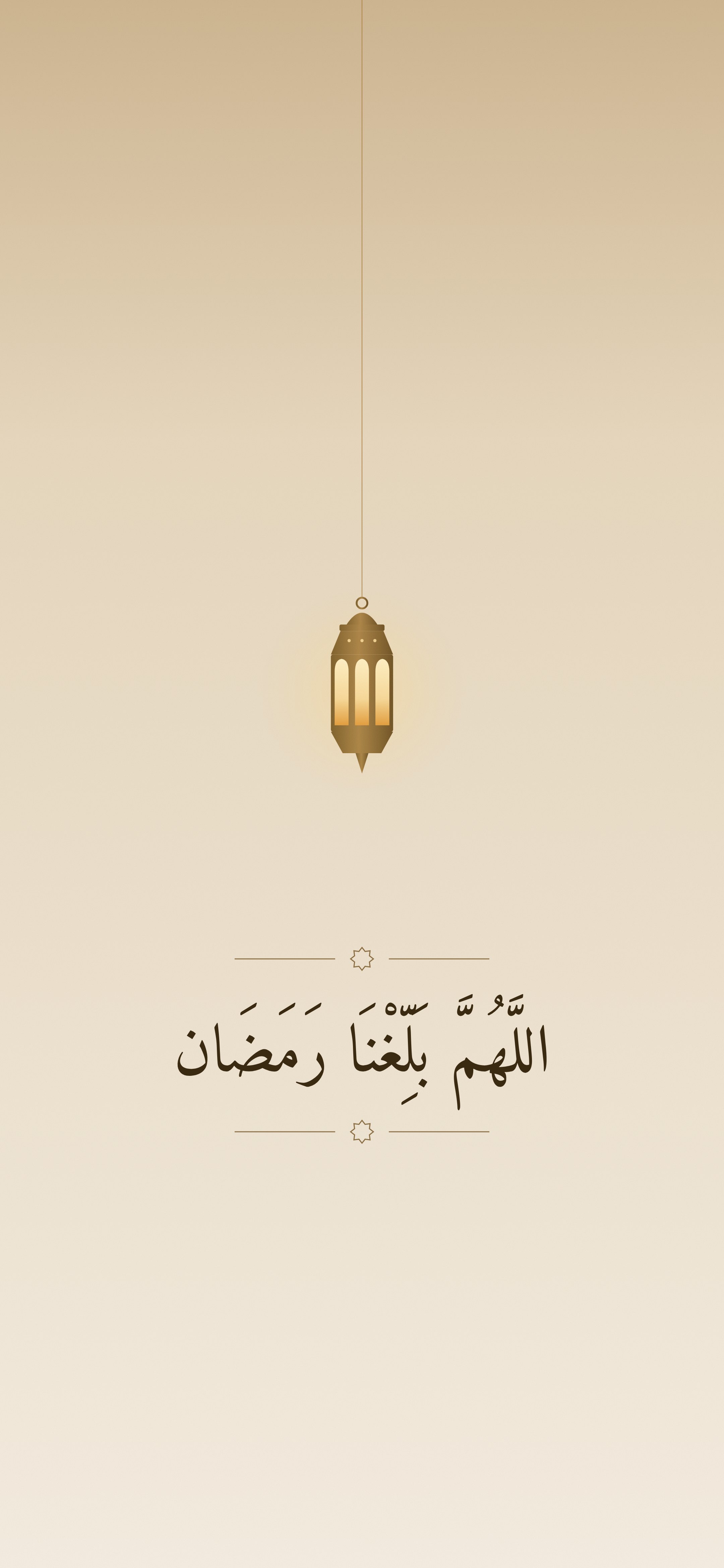
Ramadan Kareem and Ramadan Mubarak
Arabic greetings set in Aref Ruqaa, a classical calligraphic typeface, plus one in English.
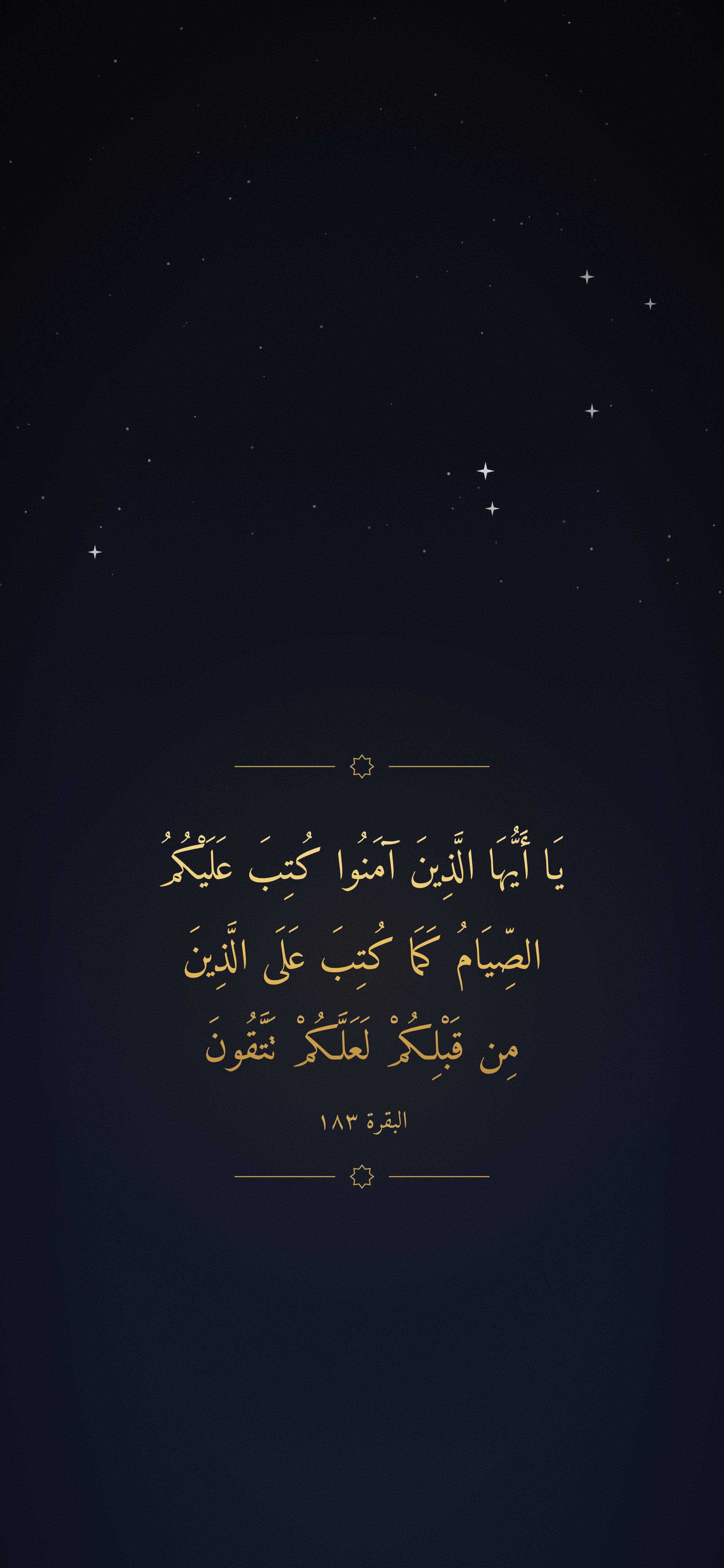
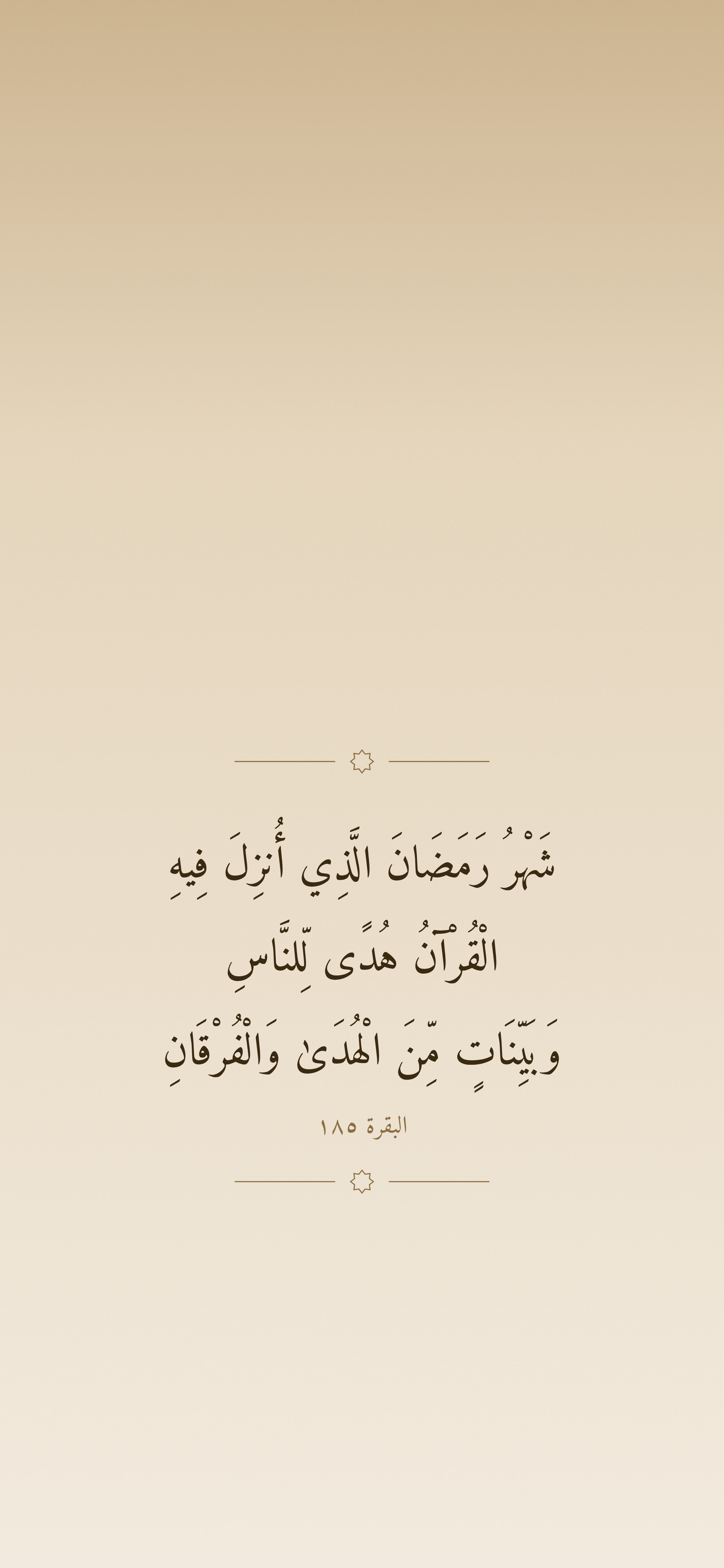
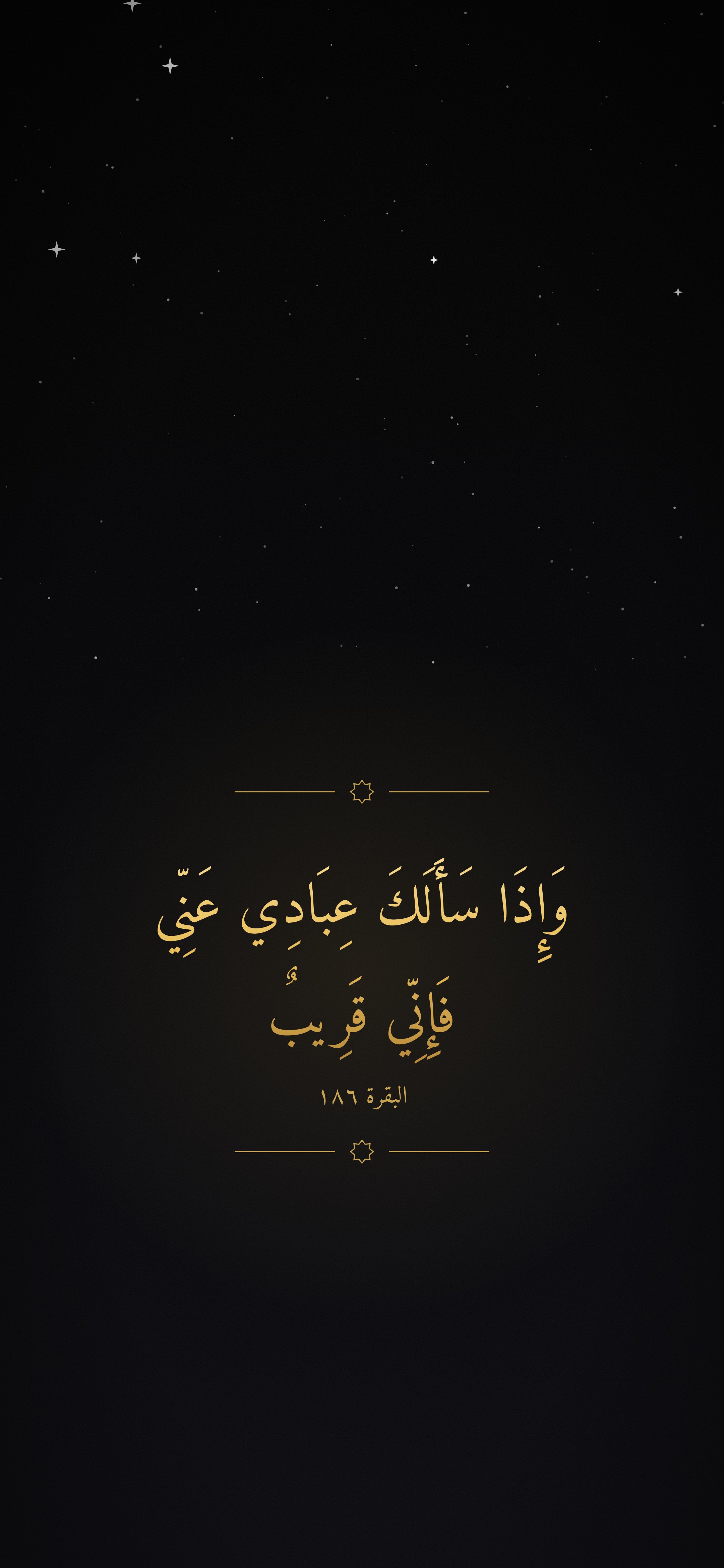
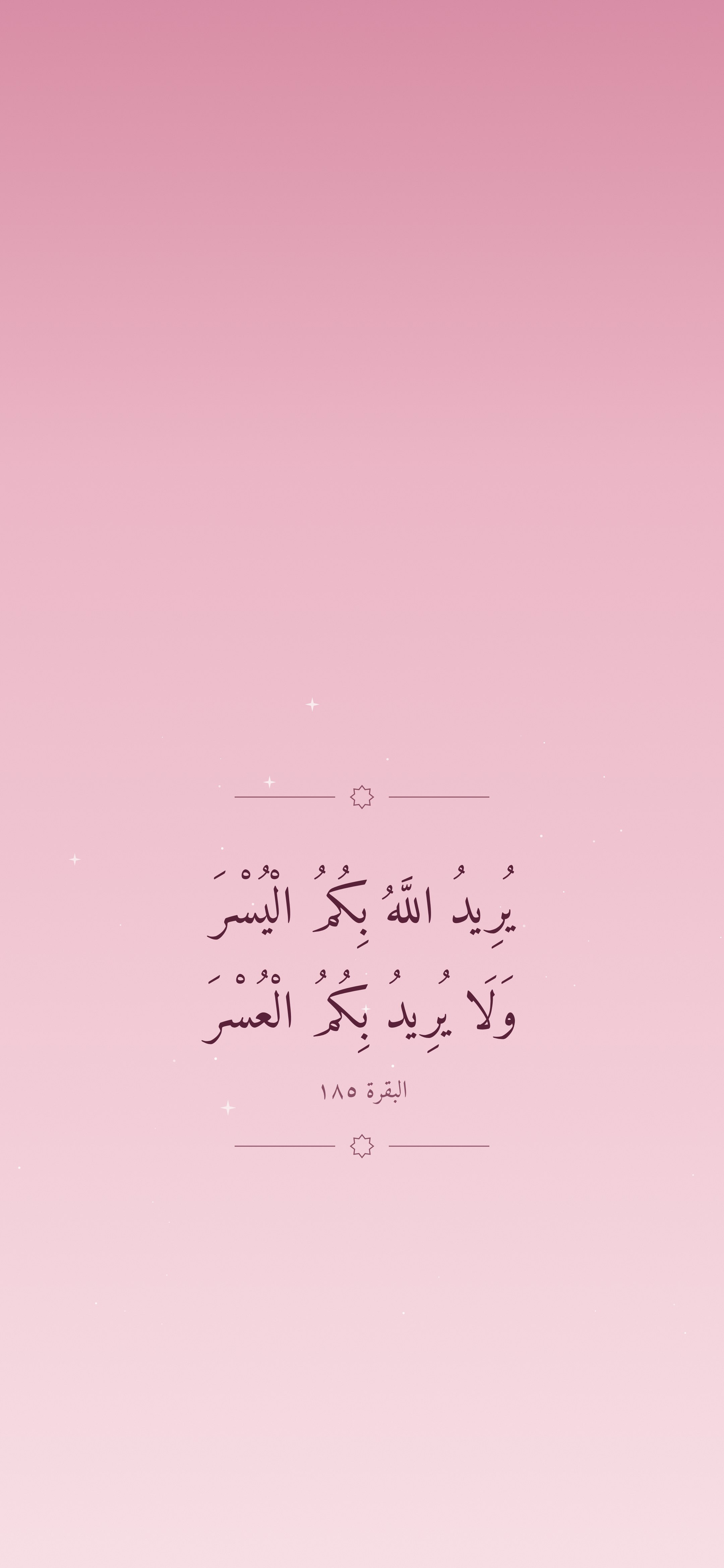
Quran verses about Ramadan, and a dua
Verse text is taken word for word from the Uthmani text on Quran.com and cross-checked against a second source, then set in Amiri Quran. Nothing on these was drawn or generated by AI.
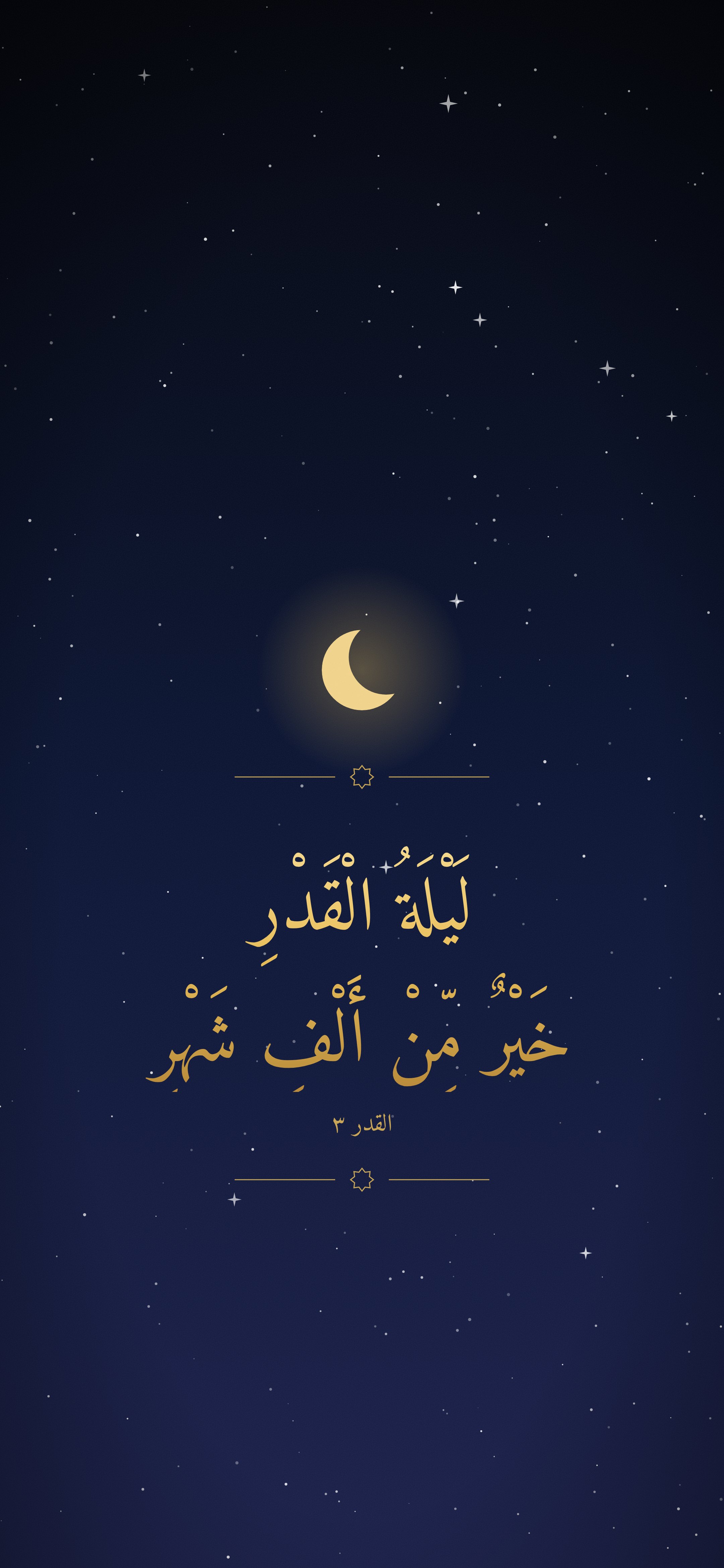
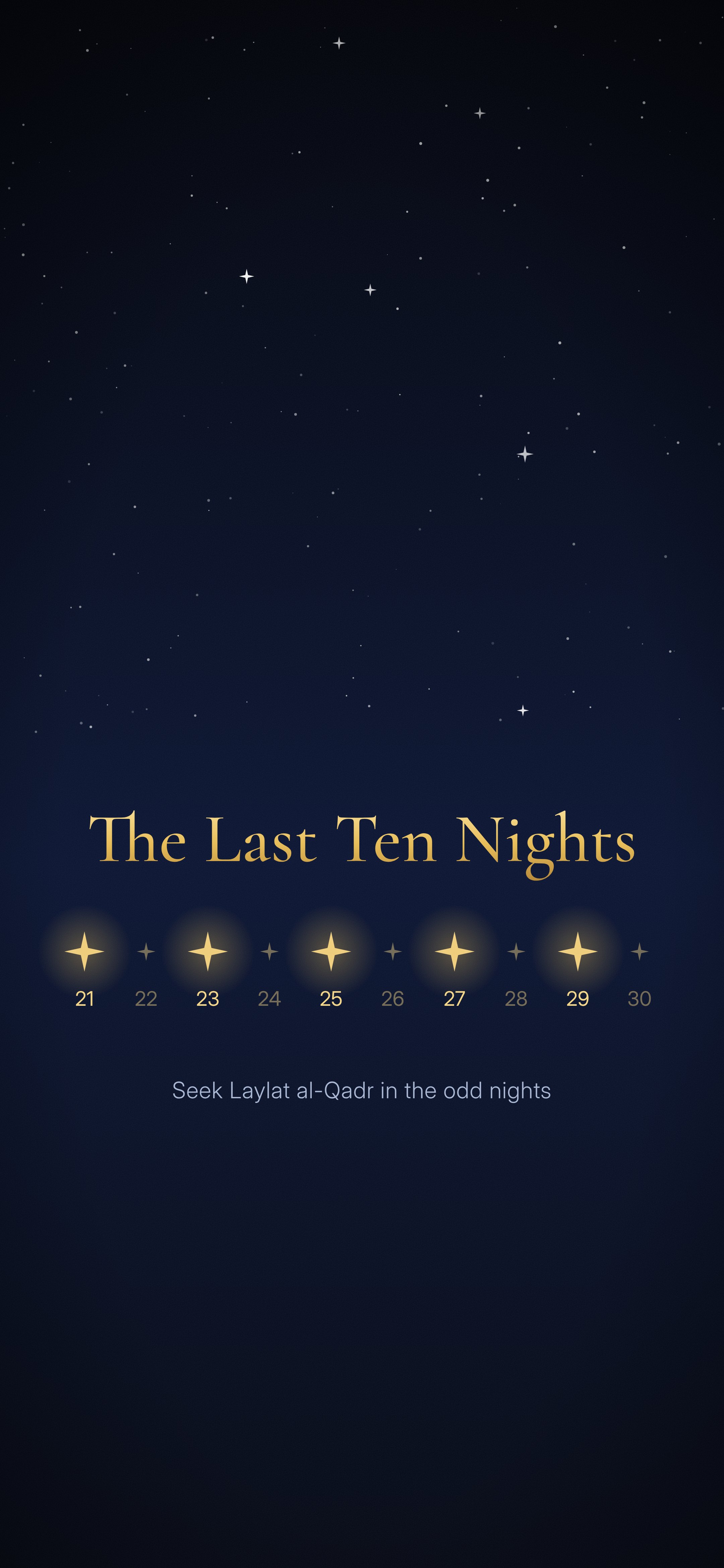
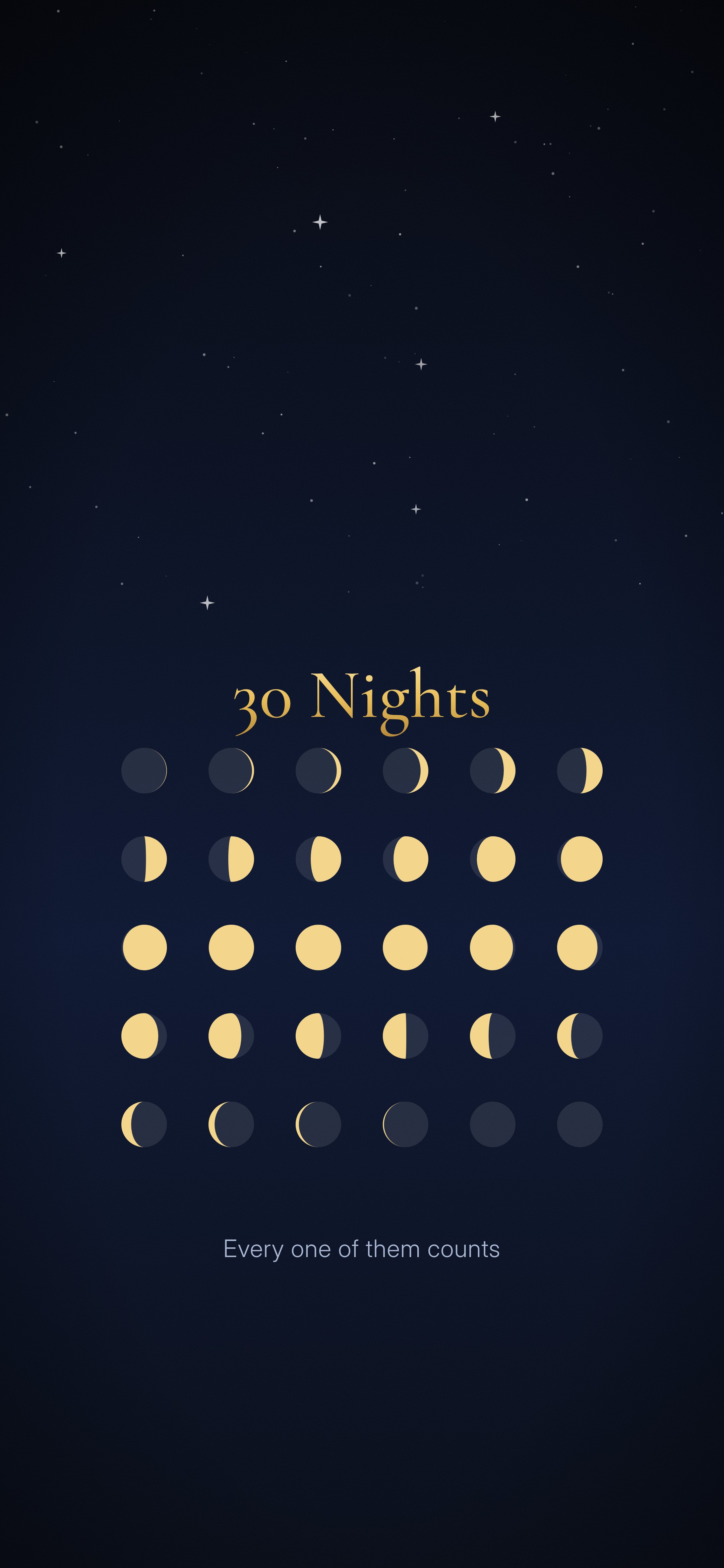
The last ten nights and the 30 nights
For the second half of the month, when the focus shifts to Laylat al-Qadr.
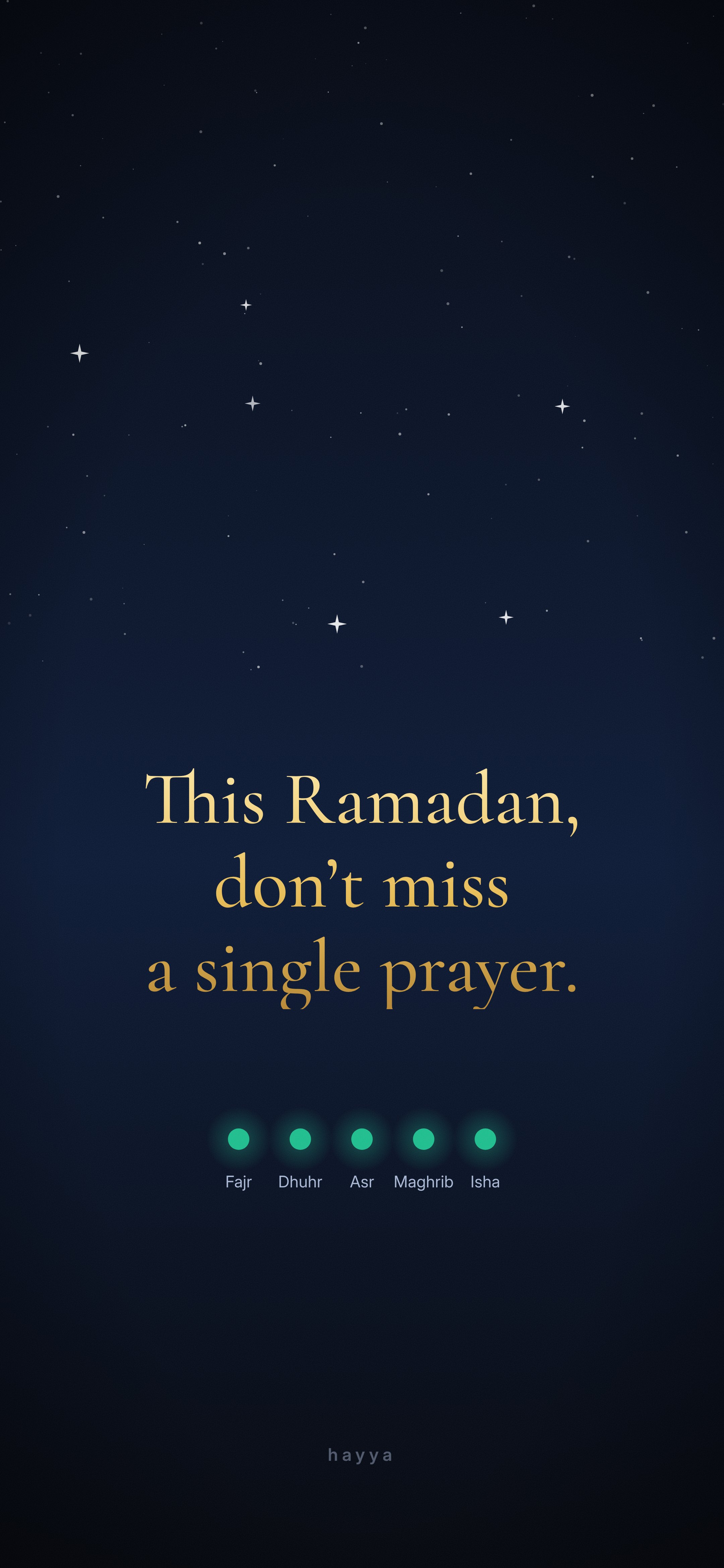
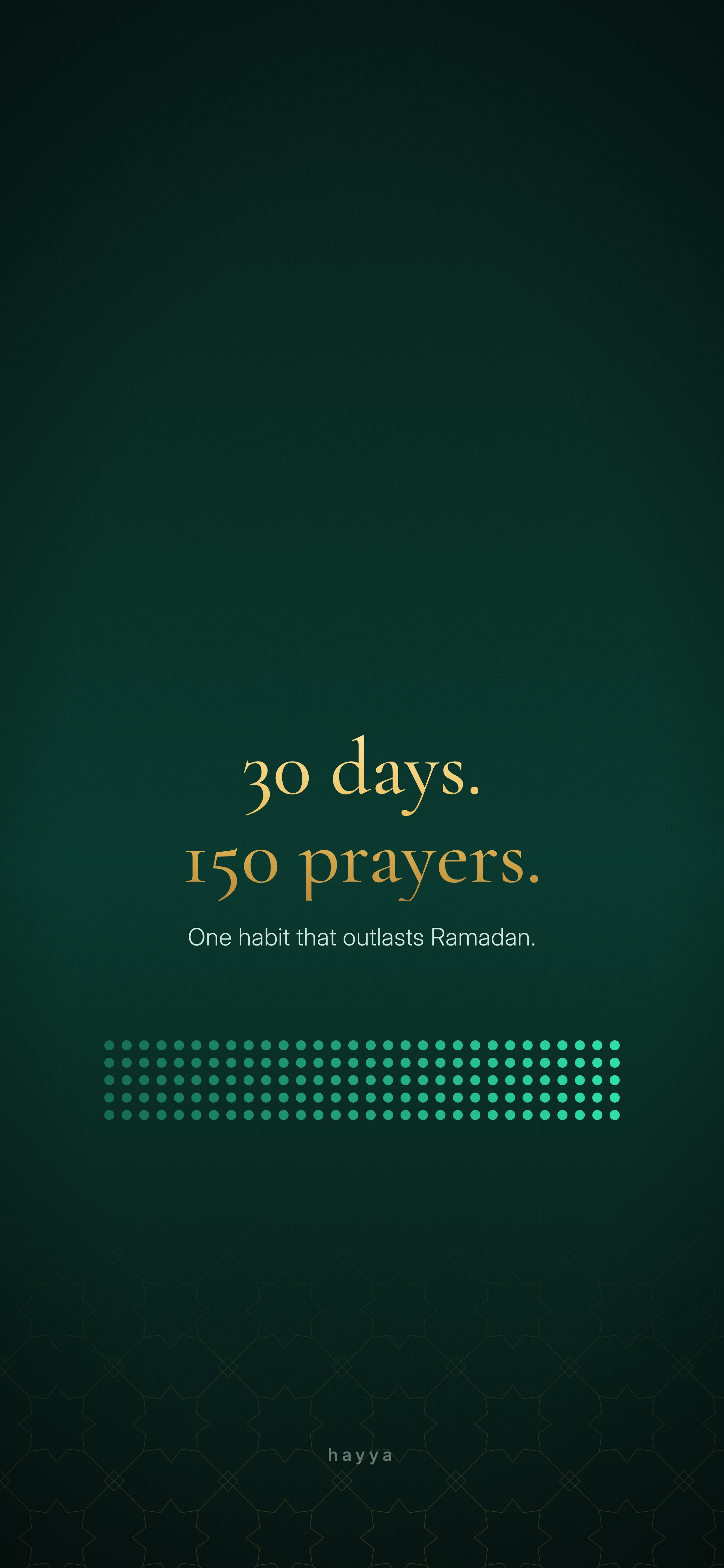
Prayer reminders for your lock screen
You unlock your phone about a hundred times a day. These turn each unlock into a small nudge.
How to set a Ramadan wallpaper on your iPhone lock screen
- Tap Download 4K under the design you like. The full image opens.
- Press and hold the image, then tap Save to Photos (on a computer, the file downloads; AirDrop it to your phone).
- On your iPhone, touch and hold the Lock Screen until Customize appears, tap +, then Photos, and choose the wallpaper.
- Pinch to adjust if needed, tap Add, then choose Set as Wallpaper Pair or customise the Home Screen separately.
Tip for the light designs (beige, pink): while customising, tap the clock and pick a darker colour or the dark-text style. It reads far better on pastel backgrounds.
Make this Ramadan the one the habit sticks
Hayya tracks all five prayers, builds a streak through Ramadan and beyond, and logs your fasts. Accurate prayer times calculated on your phone, no ads, no data selling.
Download Hayya FreeWhen is Ramadan 2027?
Ramadan 1448 AH is expected to start on or around Monday, 8 February 2027 (the first taraweeh the night before), with Eid al-Fitr around 9 or 10 March 2027. Dates depend on the moon sighting, and countries can differ by a day. The last ten nights are expected to begin on the evening of about 27 February, which is when the Laylat al-Qadr and last-ten-nights designs above come into their own.
Planning to make up fasts from last year first? Our fasting tracker guide covers logging Ramadan and make-up fasts, and how to build a prayer streak explains why Ramadan is the easiest month to start one.
Free to use
All wallpapers are designed by Hayya and free for personal use as a phone or desktop wallpaper, and for sharing with a link back to this page. Please don't sell them, or re-upload them to wallpaper apps or stock sites. The Arabic Quran text is the Uthmani script from Quran.com; English meanings in the captions follow Sahih International.
FAQ
Are these Ramadan wallpapers free?
Yes. All 21 are free to download and use as your own phone wallpaper. Please don't resell them or upload them to wallpaper apps as your own.
When does Ramadan 2027 start?
Ramadan 1448 AH is expected to begin on or around Monday, 8 February 2027, with Eid al-Fitr around 9 or 10 March 2027. The exact date depends on the sighting of the crescent moon, so confirm with your local mosque.
What resolution are the wallpapers?
Each one is 2160 × 4680 pixels (4K, 9:19.5), which covers every current iPhone at full sharpness, including the Pro Max models. They also fit most Android phones.
Will the clock cover the design?
No. Every design keeps the top third calm so the iOS clock, date and widgets sit on clear space, and nothing important is placed near the flashlight and camera buttons.
Is it okay to have a Quran verse as a phone wallpaper?
Many Muslims do, and most scholars allow it. Some advise not taking a screen showing a verse into the bathroom, out of respect for the Quran. If that concerns you, choose a design without text, or use a verse only as your Home Screen and a plain design on the Lock Screen.
Can I use these on Android?
Yes. Download the 4K file, open it in Photos or Gallery, tap the menu and choose Set as wallpaper. Android crops slightly differently, so pinch to position it.